
Logtryl on every device
Native apps for Windows, macOS, iOS, and Android — screen recording, tickets, and notifications wherever you work.
Downloads temporarily unavailable.Every platform
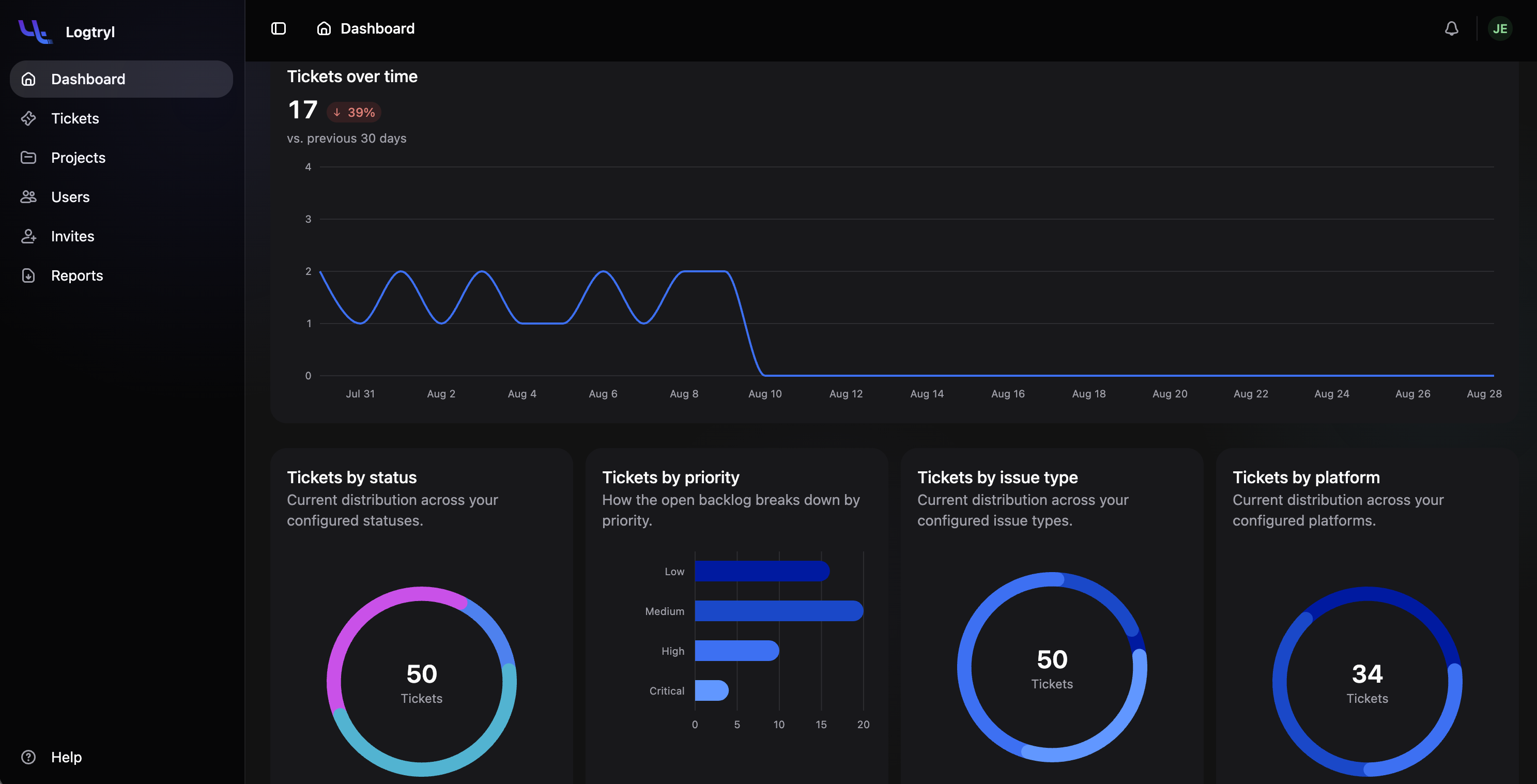
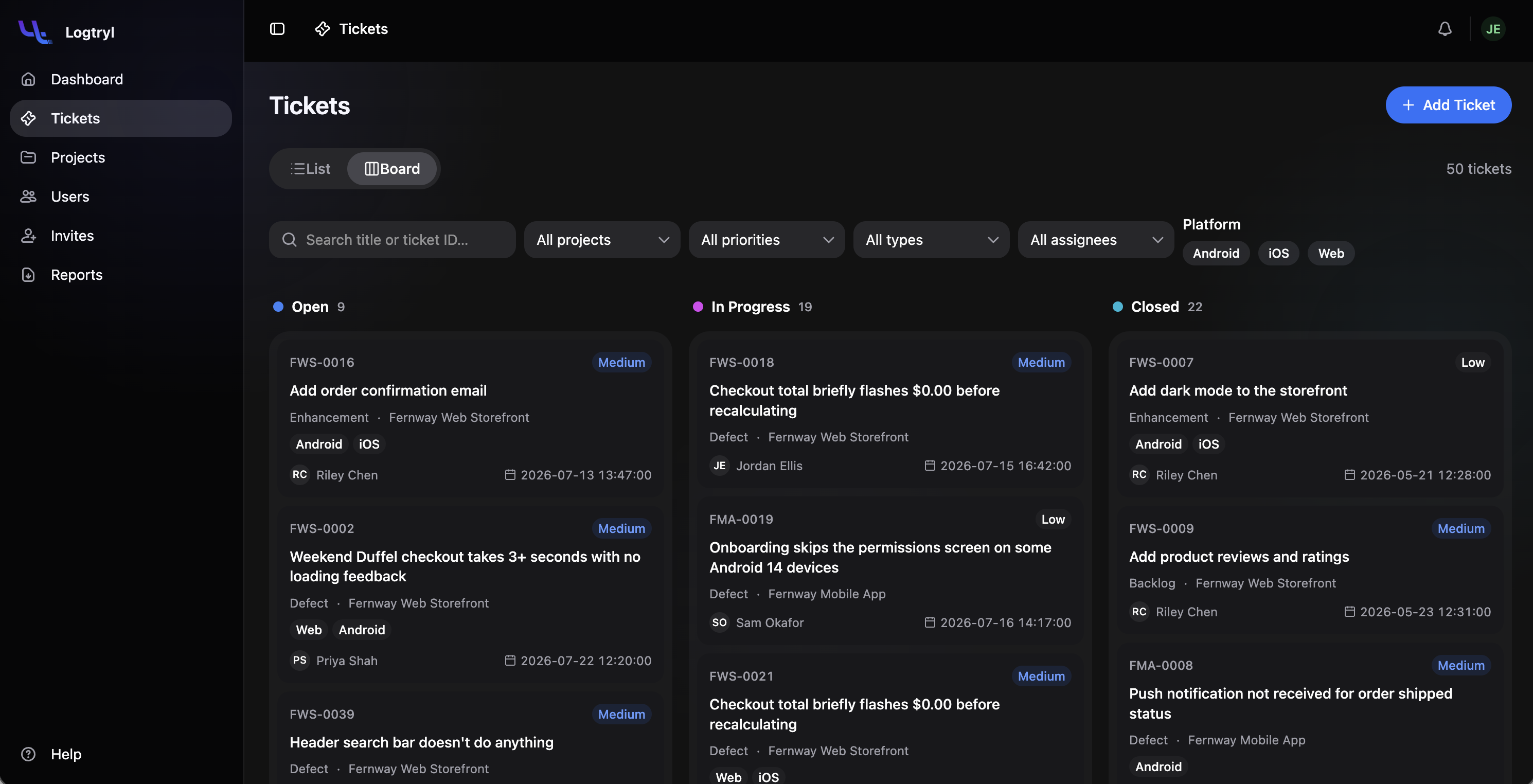
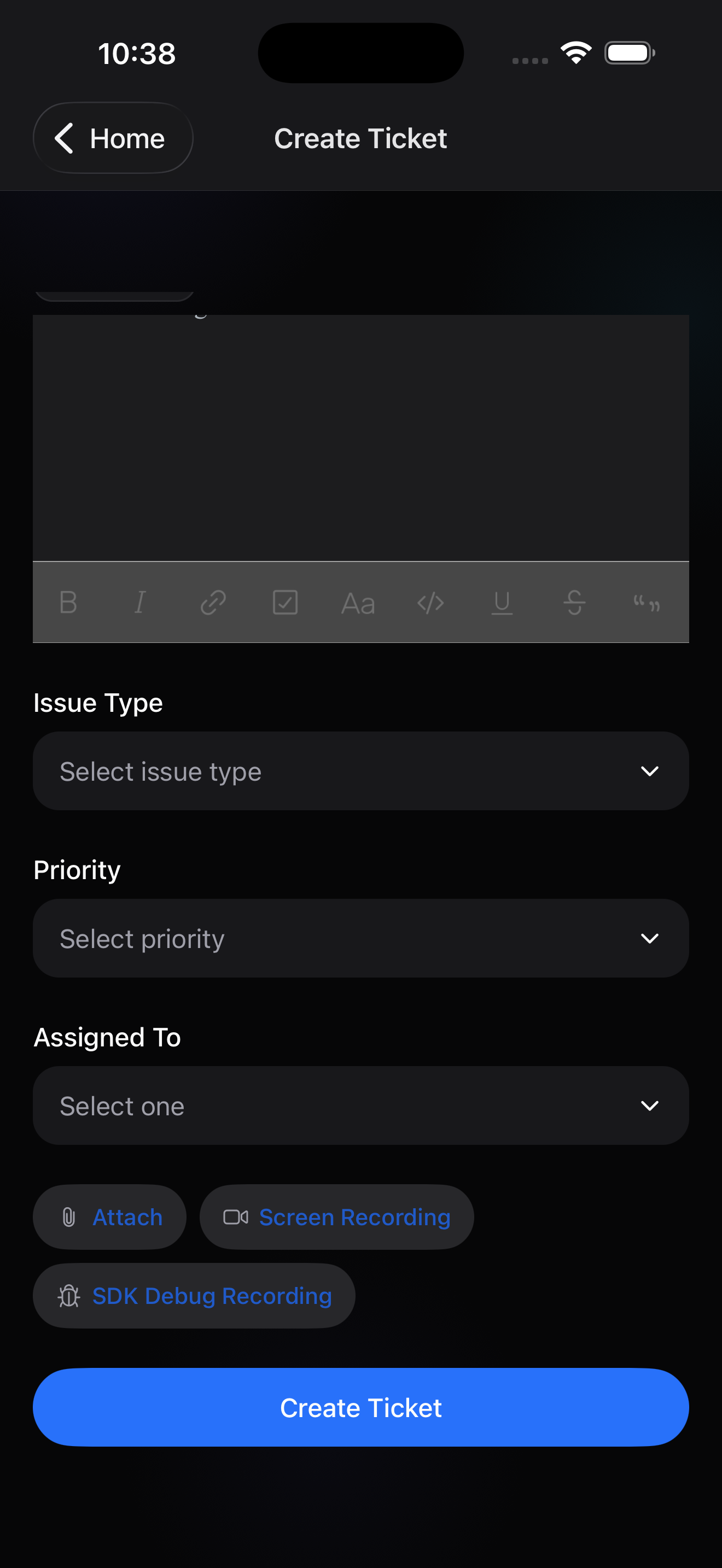
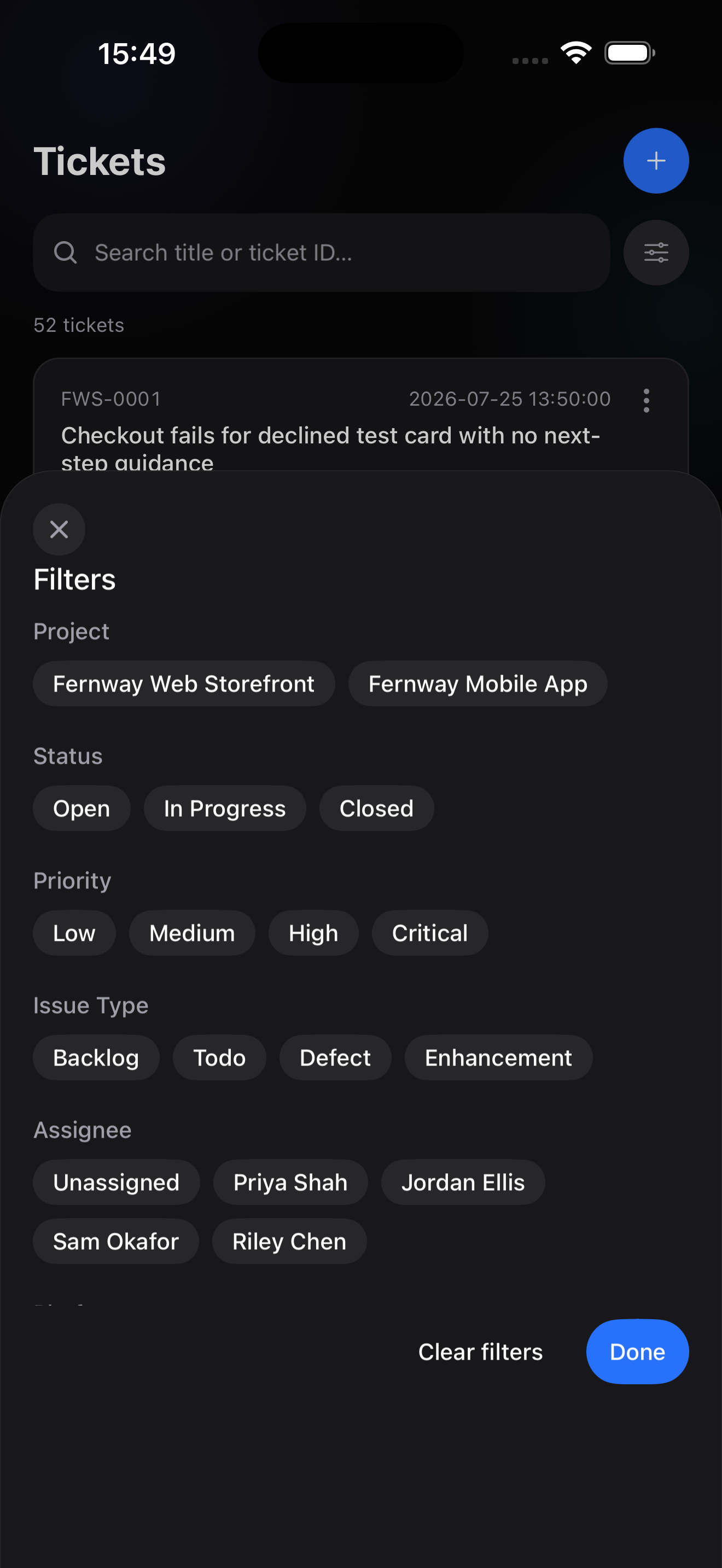
Built for a real workday
Installation
Up and running in a couple of minutes
Windows
- 1Download the installer (.exe) above.
- 2Open the downloaded file and follow the setup wizard.
- 3Launch Logtryl from the Start menu once installation finishes.
- 4Sign in with your Logtryl account to get started.
macOS
- 1Download the disk image (.dmg) above.
- 2Open it and drag Logtryl into your Applications folder.
- 3Launch Logtryl from Applications (or Launchpad).
- 4Sign in with your Logtryl account to get started.
iOS
- 1Tap the App Store link above.
- 2Install Logtryl like any other app.
- 3Open Logtryl from your home screen.
- 4Sign in with your Logtryl account to get started.
Android
- 1Tap the Google Play link above.
- 2Install Logtryl like any other app.
- 3Open Logtryl from your app drawer.
- 4Sign in with your Logtryl account to get started.
Start capturing the trail behind every bug
Free to start. No credit card required. Everything's included during our launch.
Start free